
A Practical Routine for Reducing Driving Distractions
Build a repeatable pre-drive routine for your phone, navigation, passengers, and loose items so more of your attention stays on driving.
Updated October 30, 2026
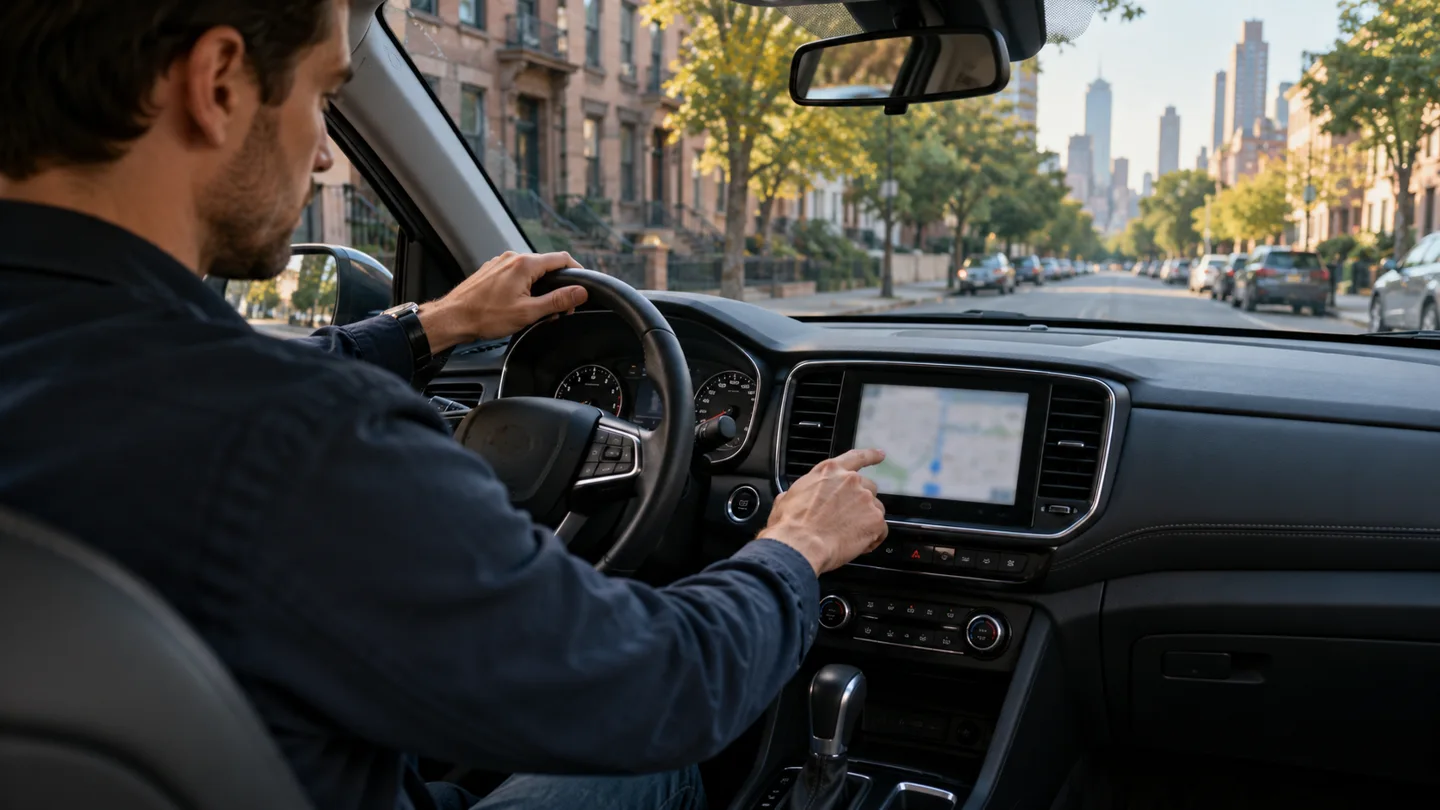
A familiar commute can make distractions feel harmless. You know the next turn, the usual traffic light, and where the road opens up. Familiarity does not make it easier to respond when someone brakes unexpectedly or a pedestrian enters your path. The most useful distraction routine removes small demands before they compete for your attention.
Think of preparation as a short checklist rather than a promise to use more willpower. If the phone is already quiet, the destination is already entered, and the bag is secure, there are fewer reasons to reach for something while moving.
Separate communication from the trip
Finish messages while parked and tell regular contacts that replies will wait until you arrive. Choose your phone’s driving-focus or notification settings before starting. Check how important calls are handled so the setting behaves as you expect. Keep the phone secured and positioned in accordance with local rules.
Hands-free equipment can reduce handling, but it does not remove the attention needed for a conversation. NHTSA distracted driving describes distraction as anything that takes attention away from driving, including passengers and in-car controls. A quiet screen is useful, but the larger goal is fewer competing tasks.
Make navigation a preparation task
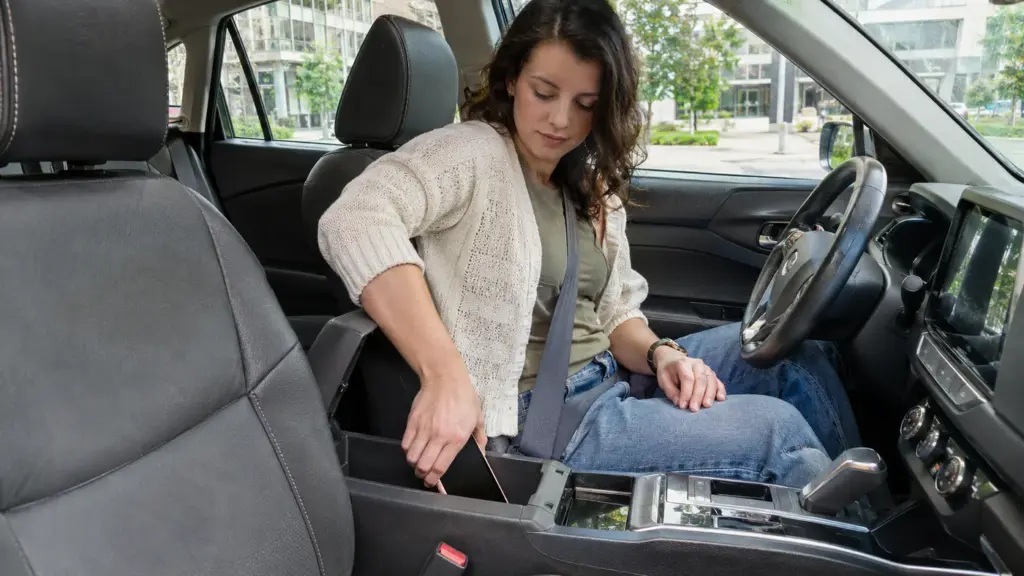
Enter the full destination and review the first few decisions before leaving. Confirm whether you are heading to the building entrance, garage, or pickup area. If a route preview shows a confusing interchange, look at it while stationary rather than trying to study the map when you reach it.
If you miss a turn, continue in a lawful, predictable way and let the route recalculate. Avoid an abrupt maneuver to preserve the original directions. When a reroute becomes confusing, find a safe, legal place to stop and reassess. A short detour is usually easier to manage than a rushed last-second correction.
Arrange the cabin for the journey you are making
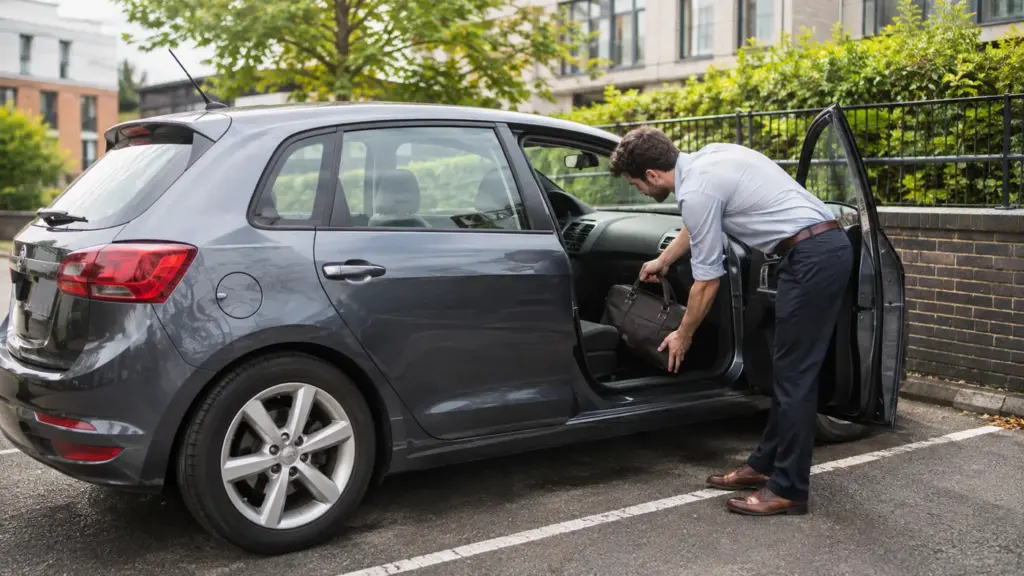
Place bags and other loose objects where they will not slide into the driver’s footwell or tempt you to retrieve them. Put frequently needed items within reach before departure, while keeping controls and visibility clear. Adjust the seat, mirrors, ventilation, and audio first.
If you are traveling with children or other passengers, handle seating and belongings before moving. Ask an adult passenger to manage directions or nonessential messages when appropriate. That help should reduce demands on the driver, not create a running stream of instructions.
Give interruptions a clear response
Decide ahead of time what happens if a drink spills, an item falls, or a call appears urgent. The default should be to keep control of the vehicle and stop somewhere suitable before dealing with the problem. Reaching into the back seat or trying to rescue a rolling object adds another task at the wrong time.
A passenger who needs help may require a safe stop. Communicate simply and avoid arguing while driving. If an issue repeatedly distracts you, change the setup for the next journey instead of accepting it as an unavoidable feature of the commute.
Check whether tiredness is the bigger issue
A distraction checklist cannot compensate for being too sleepy to drive. NHTSA drowsy driving identifies adequate sleep as central to preventing drowsy driving. If you feel unable to stay alert, reconsider driving and arrange a suitable alternative. Do not treat louder music, open windows, or a more demanding podcast as a reliable solution.
At the end of the week, note which interruptions still happened. Change one practical detail, such as where the phone rests or when you send your departure message. A routine works best when it is easy to repeat even on the mornings when you are behind schedule.