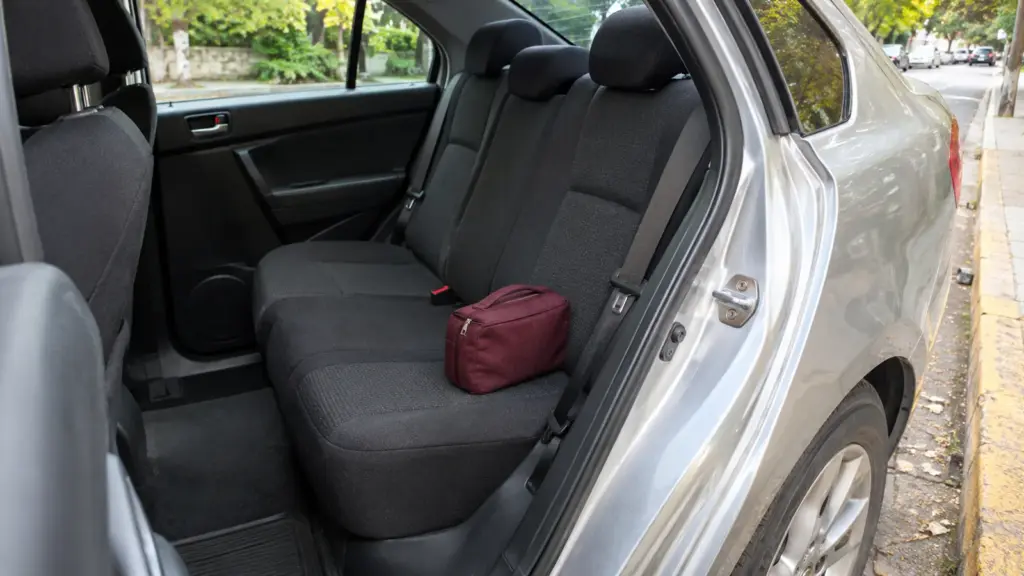
What to Check After a Rideshare Trip
Review your rideshare receipt, confirm belongings, save useful trip details, and use official support channels to resolve ordinary trip issues.
Updated October 30, 2026

The end of a ride is a good moment for a brief reset. Check your belongings before the vehicle leaves, review the trip record when you are somewhere suitable, and save what you need for expenses or follow-up. A small routine is easier than reconstructing the journey days later.
Check belongings before stepping away
Look at the seat, footwell, and luggage area you used. Keep your phone, keys, and work bag together so you can recognize immediately if something is missing. Make the check while the vehicle is stopped and without standing in moving traffic.
If you realize later that an item is missing, use the platform’s lost-item process. Refer to the correct trip rather than contacting an unrelated driver or posting personal trip information publicly. Follow the official arrangements for any return.
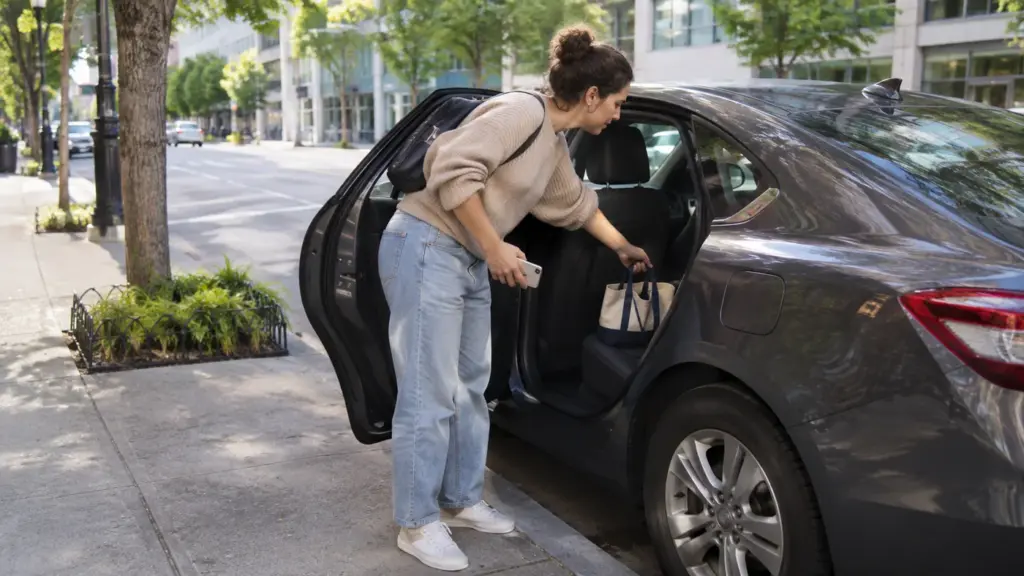
Read the receipt in context
Confirm the date, route, service type, and total. Look at any listed tolls, fees, adjustments, and tip separately. A different total does not automatically indicate an error, but an unfamiliar item is a reason to read the explanation and ask for clarification.
For work expenses, save the receipt in the format your employer accepts and note the business purpose while you remember it. Do not add private trip details to a shared expense document unless they are needed.
Keep reports specific
If something needs review, describe what happened, when, and which trip it involved. Separate what you observed from what you assume. A concise factual report is easier for support to assess than a general complaint without a trip reference.
Platform resources such as Uber’s safety information explain available safety and support features. Use the current in-app route for the issue you are reporting. A routine fare query and an urgent safety concern require different responses.

Store only what is useful
Trip records can reveal home, work, and travel patterns. Keep them in a private account or folder, and avoid sharing full screenshots when a receipt total or reference number is sufficient. Review the app’s privacy and account-security settings periodically.
In an immediate emergency, contact local emergency services instead of waiting for an ordinary support response. For non-urgent follow-up, preserve the relevant receipt and correspondence until the issue is resolved. Then return to a simple system that keeps necessary records without collecting unnecessary personal detail.